
A volume for every app
A slider and a Mute button for every app that is playing. Other apps and the system volume stay as they are.
A new Iskra product for Mac
Music down, video up, game muted. A panel in the menu bar lists the apps that are playing right now, each with its own slider.
The download opens right after the purchase, on the access page.
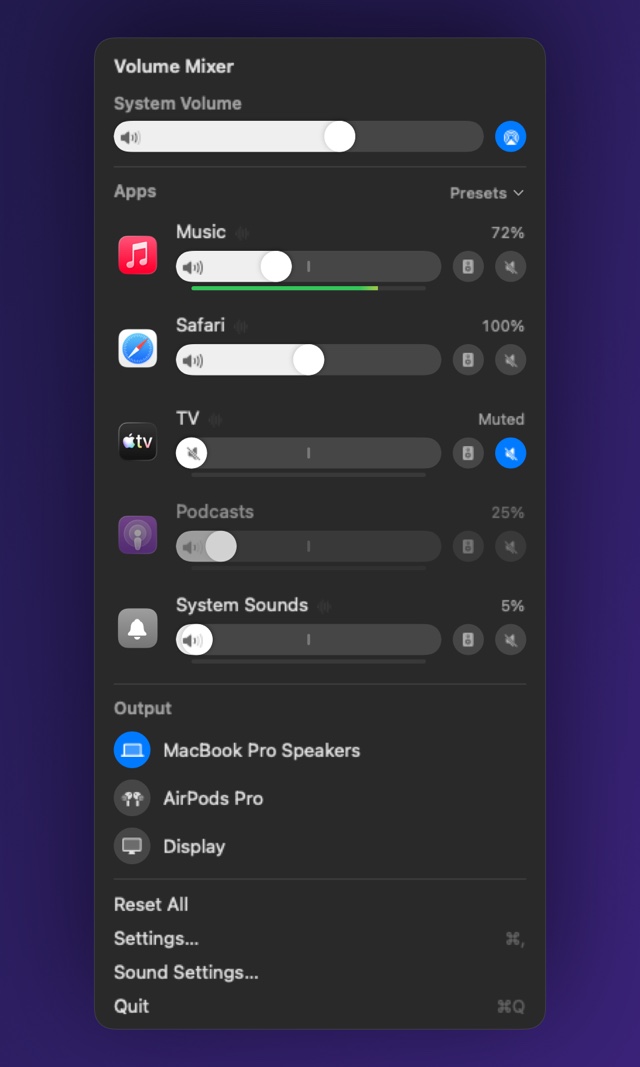
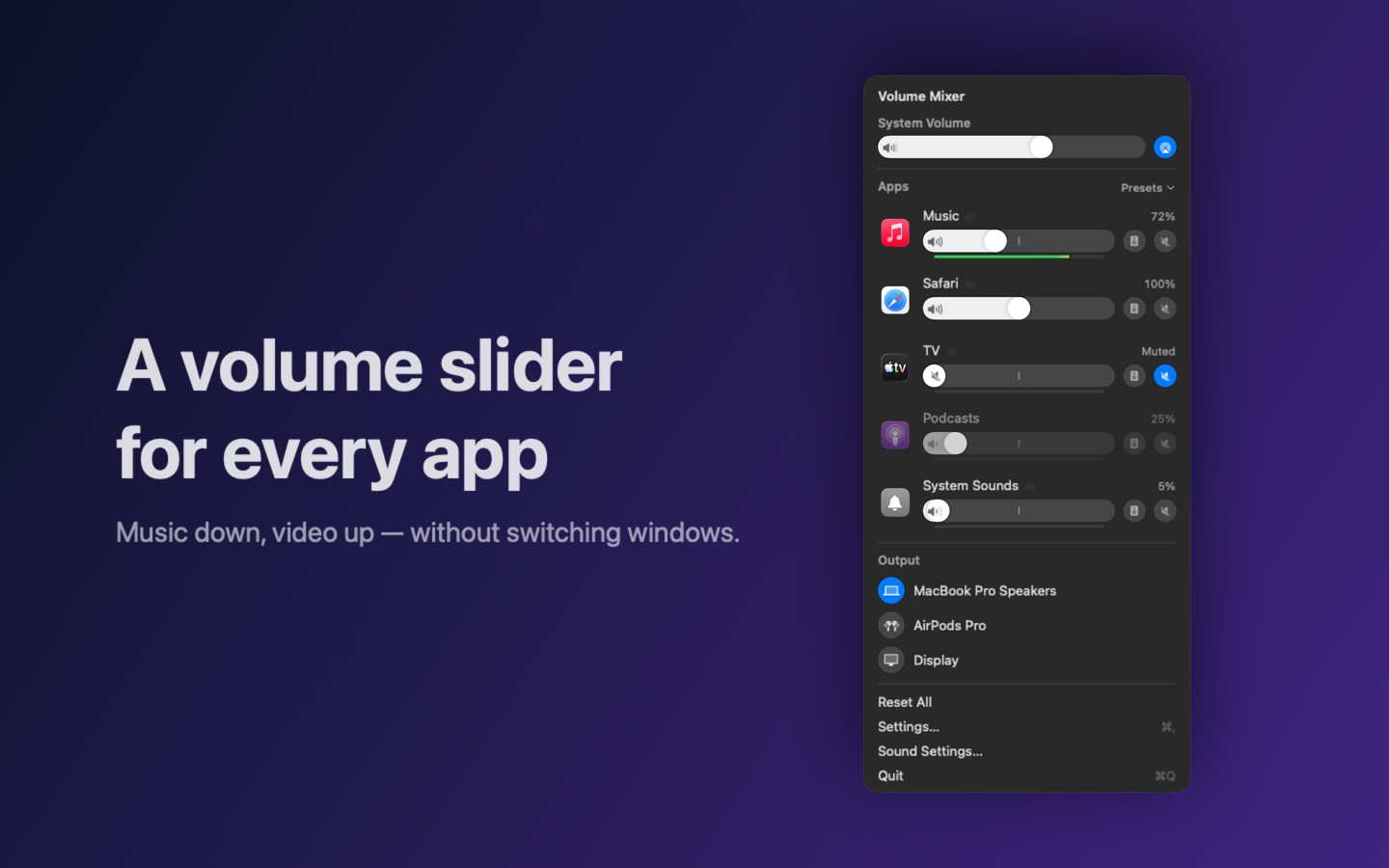
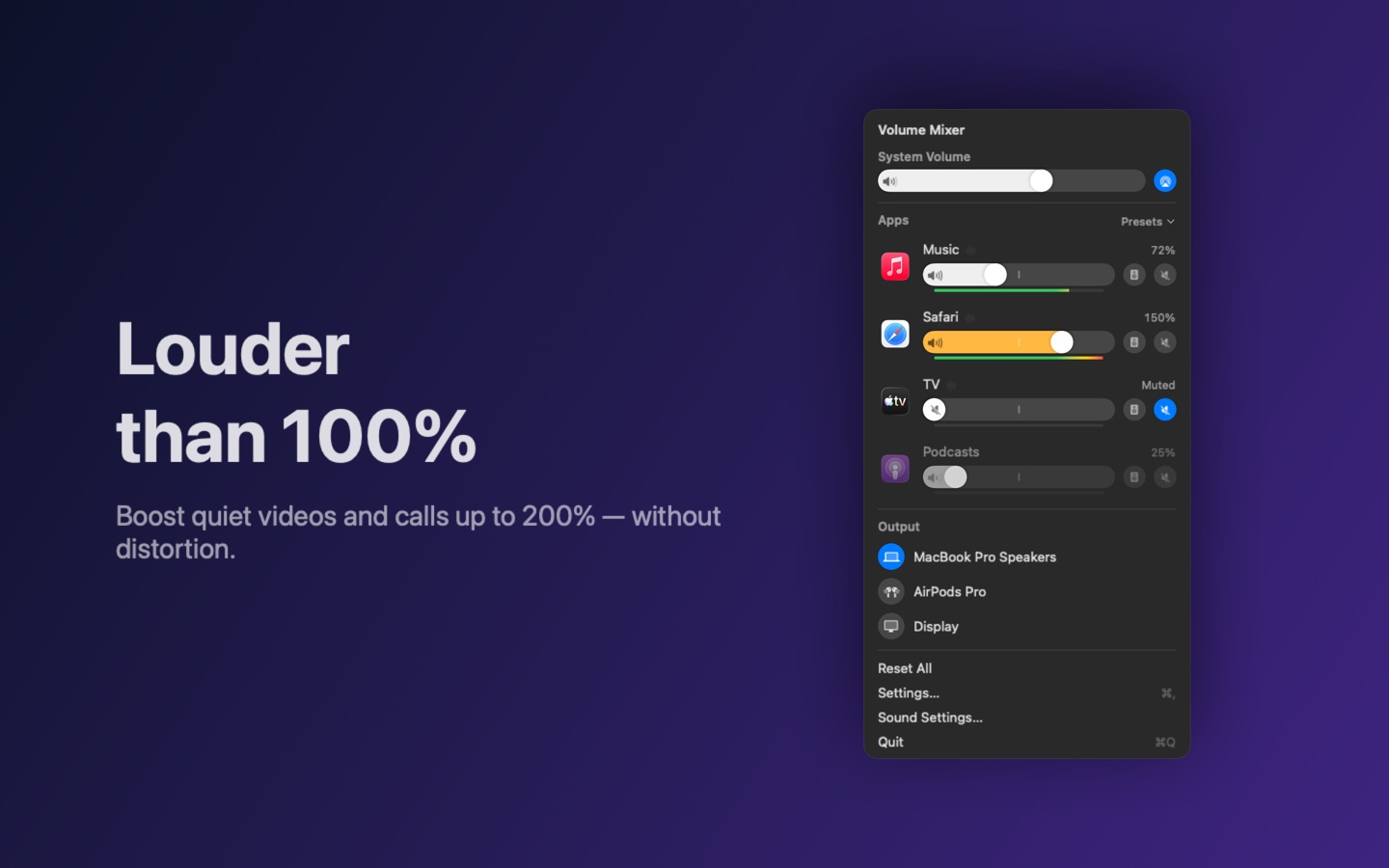
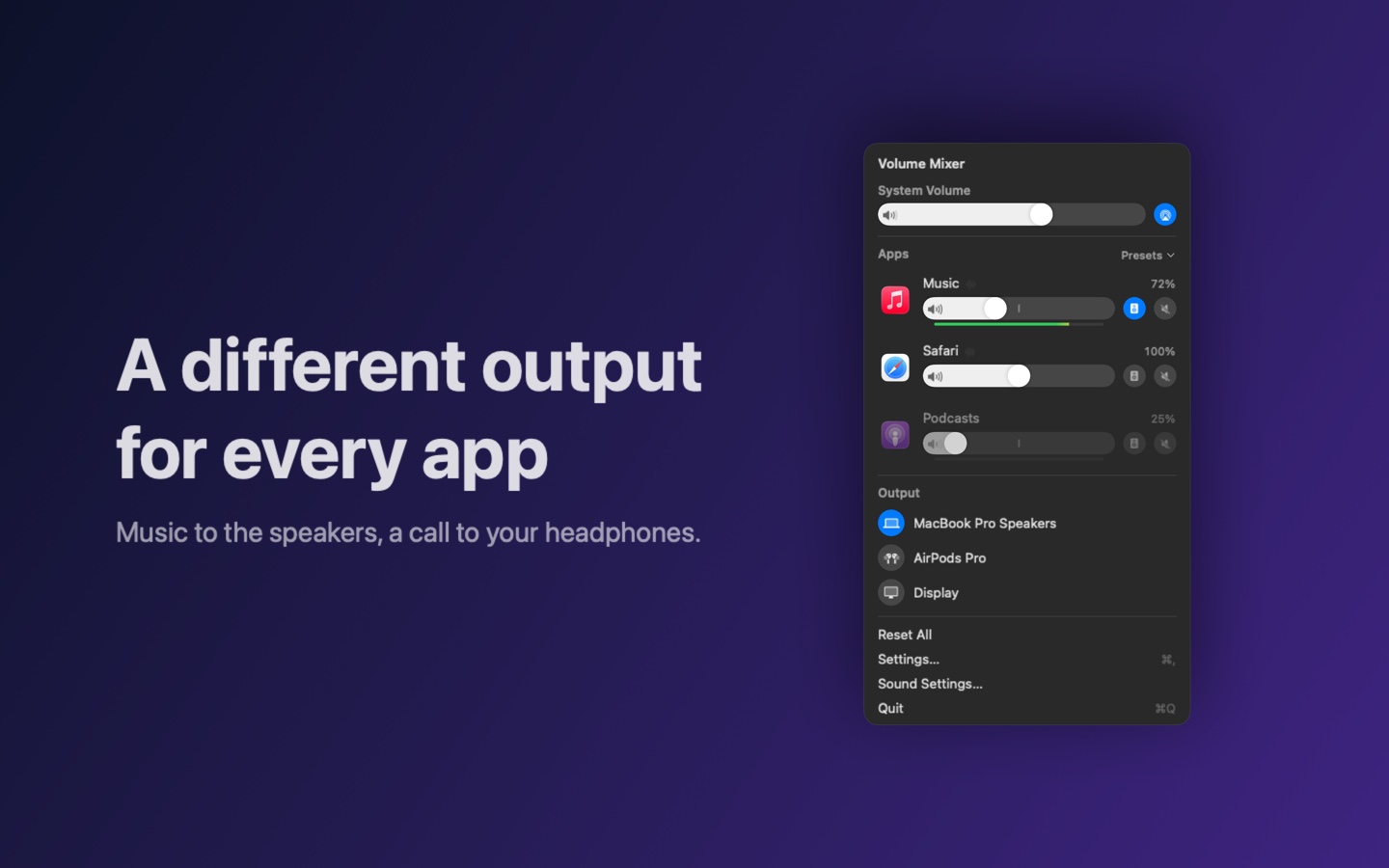
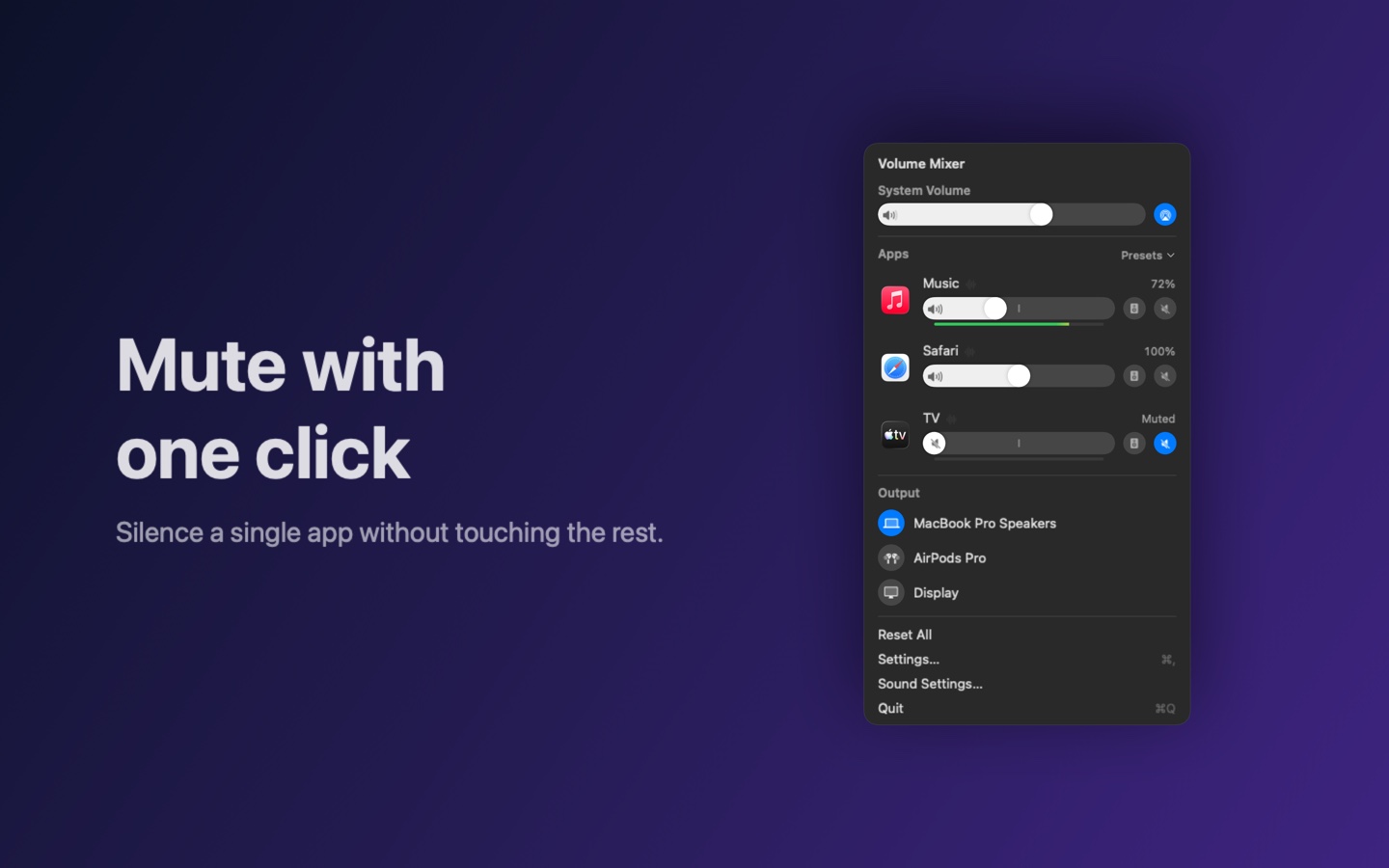
A slider and a Mute button for every app that is playing. Other apps and the system volume stay as they are.
Boost a quiet video or call up to 200%. A limiter keeps the sound from distorting.
Music in your headphones, the call on the speakers: every app can play to its own output device.
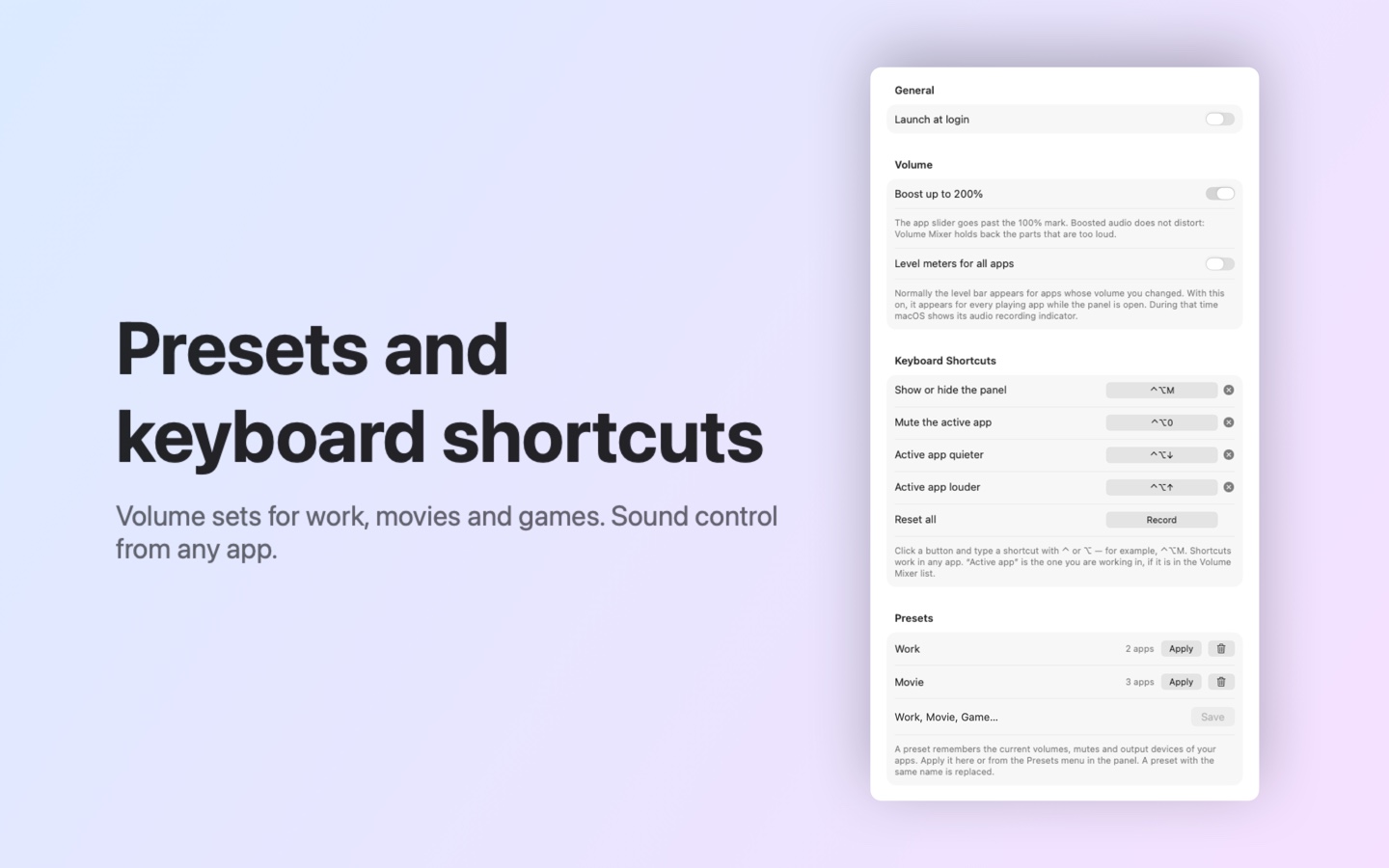
Save volumes and devices as a set — Work, Movie, Game — and switch to it in one click.
Make the active app quieter, louder or mute it without opening the panel. You choose the keys.
A bar under the slider shows how loud an app is playing once you have adjusted it. Turn it on for all apps in Settings.
An app starts playing and appears; it stops and goes away. Browser tabs and helpers are grouped under one name.
The Mac volume and the choice of speakers, headphones or display live in the same panel.
Opens the panel in one click (macOS 26 or later).
Volume Mixer can open by itself when you log in: turn it on in Settings.
The volume and output device you chose come back when the app plays again.
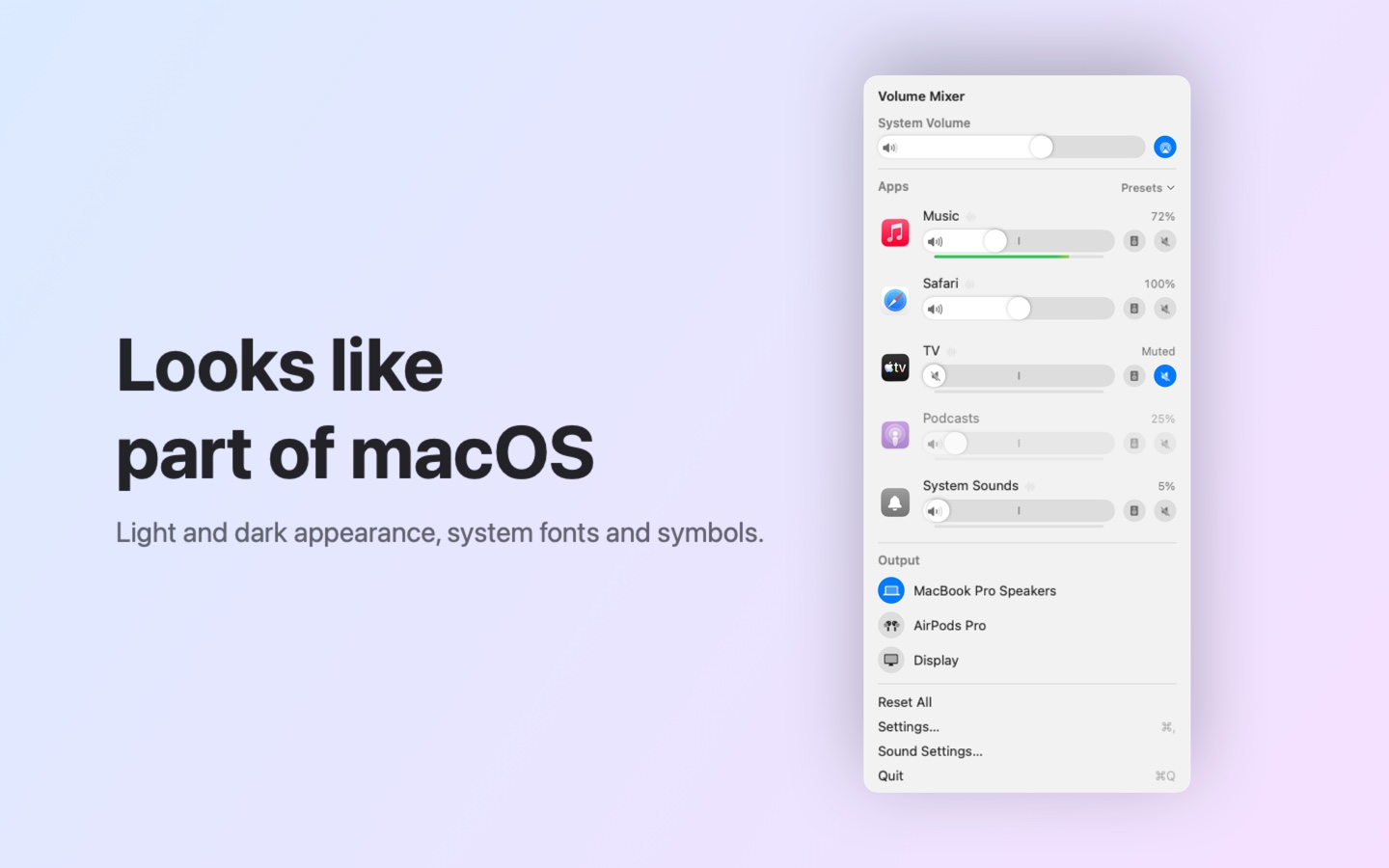
Light and dark appearance, system fonts and symbols, smooth animations.
A one-time purchase, no subscription.
One-time purchase · yours for good
Open the app: an icon with three sliders appears in the menu bar.
Play music or a video — the app shows up in the list.
Move a slider. The first time, macOS asks once for System Audio Recording permission — allow it.
No. Audio is processed on the fly, on your Mac only: it is not recorded, stored or sent anywhere.
When an app’s volume is changed or it has its own output device, macOS hands its audio to Volume Mixer and shows its own indicator. That is by design. With “Level meters for all apps” turned on, it also shows while the panel is open. Click “Reset All” or quit Volume Mixer and it goes away.
Only apps that are playing audio right now are listed. After a pause an app stays for a few more seconds.
The device list shows what macOS offers to apps. Switching to AirPlay devices is best done in the system Sound menu.
macOS 14.2 or later. The Control Center button needs macOS 26 or later.
Support — Iskra Volume Mixer · Privacy Policy — Iskra Volume Mixer · Iskra Volume Mixer terms of sale